



Electrical issues happen for a variety of reasons, and the same issues that caused problems for transformers, ballasts and lamps for decades, still impact new and retrofitted LED signs today. The good news is that LEDs and Power Supplies are much more reliable today than the days of lamps, ballasts and transformers. Newer LEDs and power supplies are engineered to tolerate more, so much so that sign companies these days have so few problems, that they are surprised when they do get a service call. Here are a few things our team has put together to help you work through what's actually going on when an illuminated sign starts giving you trouble.
- LEDs and Power Supplies are Not Invincible
- Factors that May Render an LED or Power Supply Failure
- Diagnosing a Failing Sign: A Real-World Example
- Working Through the Diagnostic Process
LEDs & Power Supplies are Not Invincible
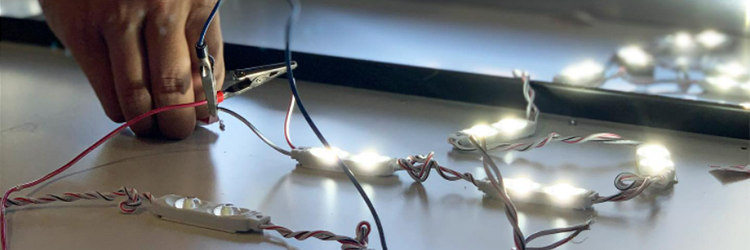
LEDs & Power Supplies are not invincible. At times, they are susceptible to amperage spikes, power draws, high voltages surges, fluctuations in power feed, excessive moisture and more. Class 2 power supplies have specific safety shutoffs that UL requires to be in place. In some cases, even if an external electrical incident doesn't damage the power supply itself, the UL-required safety shutoff may have been triggered. These issues can activate the safety features in power supplies, resulting in flickering, strobing, or a completely dead sign.
Factors That Can Cause an LED or Power Supply to Fail
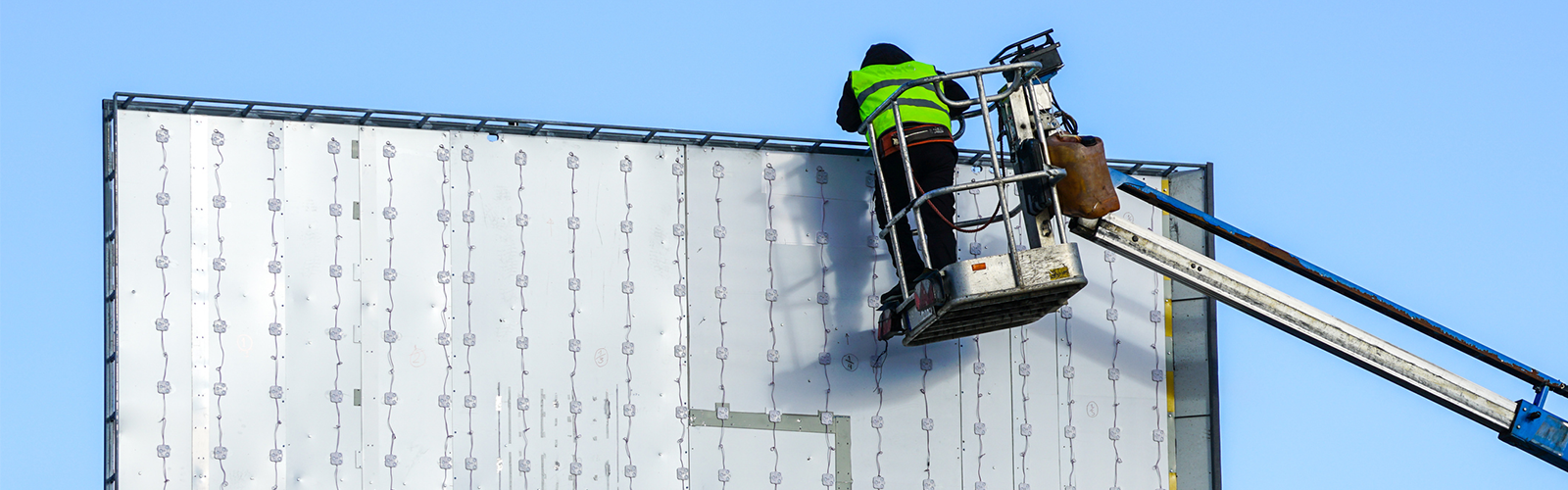
At first, it's easy to assume a product failure. But when you're working with electricity, there are a lot of outside factors that can render an LED or power supply damaged or dead:
-
Breaker issues: A tripped or weakened breaker can cut power intermittently without making it obvious something is wrong at the panel.
-
Heat: Excessive heat buildup inside a cabinet accelerates component degradation and can trigger thermal shutoffs before any other symptom appears.
-
Inconsistent or "dirty" power: Irregular voltage from the building's electrical system stresses power supplies over time and can eventually trigger protective shutoffs.
-
Power or amperage draws on the line: When other equipment shares the circuit and pulls hard, it can cause brief drops that hit the sign's power supply.
-
Line issues: Problems in the building's wiring between the panel and the sign create resistance or intermittent connection issues that are easy to miss on a standard voltage test.
-
Overloaded circuits: More load than the circuit was designed for creates ongoing instability that shows up as flickering or random dropout.
-
Power grid events: Utility-side fluctuations, brief outages, or surges can hit a sign hard enough to trigger a shutoff, even when everything on the building side tests out fine.
Or a combination of the above.
It can be challenging to pin down the exact cause, because many of these circumstances show the same symptoms, and sometimes no symptoms at all. Most of the time these "electrical incidents" happen at random moments. Think about a power draw, for example. A strong power draw can trigger a UL-required shutoff on a power supply. When you go out to service the sign, you test the input voltage and find that power is flowing fine. Same as those moments when the lights flicker in your house or your office dims for a few seconds and everything goes back to normal. If you tested the voltage an hour later, it would look like nothing ever happened.
The reality is that each situation has its own story and figuring out what actually occurred often requires asking a lot of specific questions before you can point to a cause.
Diagnosing a Failing Sign: A Real-World Example
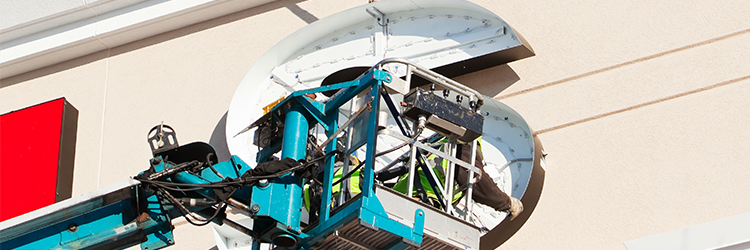
This McDonald's sign, installed with LED modules populating the channel letters, had a section go dark for several weeks. The power supplies appeared to be fully functional, and initial voltage tests came back normal.
The initial working diagnosis: an environmental or external power event had likely hit the system. The power supplies recycled and turned back on, but not enough current was delivered to the LEDs during recovery. After that, some LEDs worked and some didn't.
That's a hard explanation to accept when the voltage tests look fine, and it's reasonable for installers to be skeptical. Making service calls isn't cheap, and "something probably happened" isn't a satisfying answer. But while on site, the installer and the customer watched multiple signs from surrounding businesses flicker back and forth five times in real time. More LEDs went out right before their eyes. Turns out a 10-to-30 second power disruption was enough to cause additional damage while they were standing there investigating.
Voltage readings at that moment? Fine.
The cause was a power grid issue. No fault to the business owner, the sign company, or the LED manufacturer. They were fortunate to actually witness the event, but most of the time these incidents happen at a random hour, nobody is watching, and the only evidence is a sign that stopped working.
Working Through the Diagnostic Process
When a sign comes in as a failure complaint, starting with the electrical environment before the product tends to get you to the right answer faster.
A few questions worth running through on every service call:
-
Is the failure intermittent or constant? Intermittent issues, flickering or occasional shutoffs, point more toward power quality problems. A sign that's been completely dead since a specific date could still be environmental, but product failure is more plausible.
-
When did the issue start? A sign that ran fine for years and then suddenly went dark is more likely to have experienced an electrical event than one that never worked correctly from the day it was installed.
-
Are other signs or equipment in the area affected? If neighboring businesses are showing similar behavior, a grid-level event is worth investigating before anything else.
-
What is the power supply showing? If it's cycling or displaying fault indicators, that's meaningful. A supply that tests fine at input but isn't delivering output suggests the safety shutoff may have been triggered rather than a component failure.
-
Have there been recent changes to the building's electrical load? New equipment, HVAC work, or panel modifications can introduce conditions that weren't present when the sign was first installed.
In the example above, diligent documentation helped determine the cause of the situation. Photos of the sign, the power supply, and the installation, combined with a clear description of when the problem started and what you've already tested, give the context needed to provide a real answer.
If you run into an electrical issue and aren't sure where to start, reach out to your Grimco rep. We've seen most of these failure patterns before and can help you figure out what you're actually dealing with and help get you the right answers.